
Teamwork · Team chat
Keep team conversations close to your work.
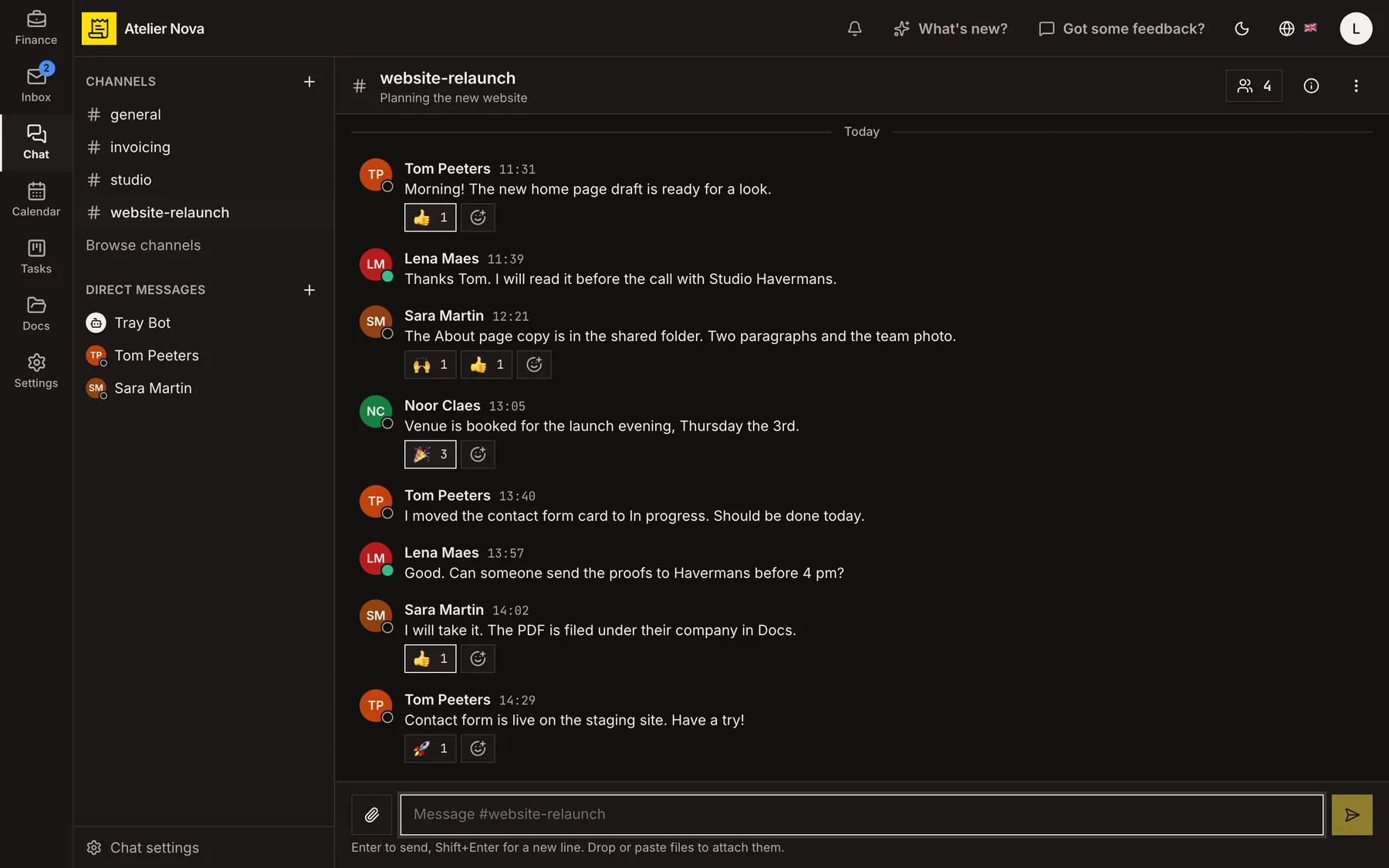
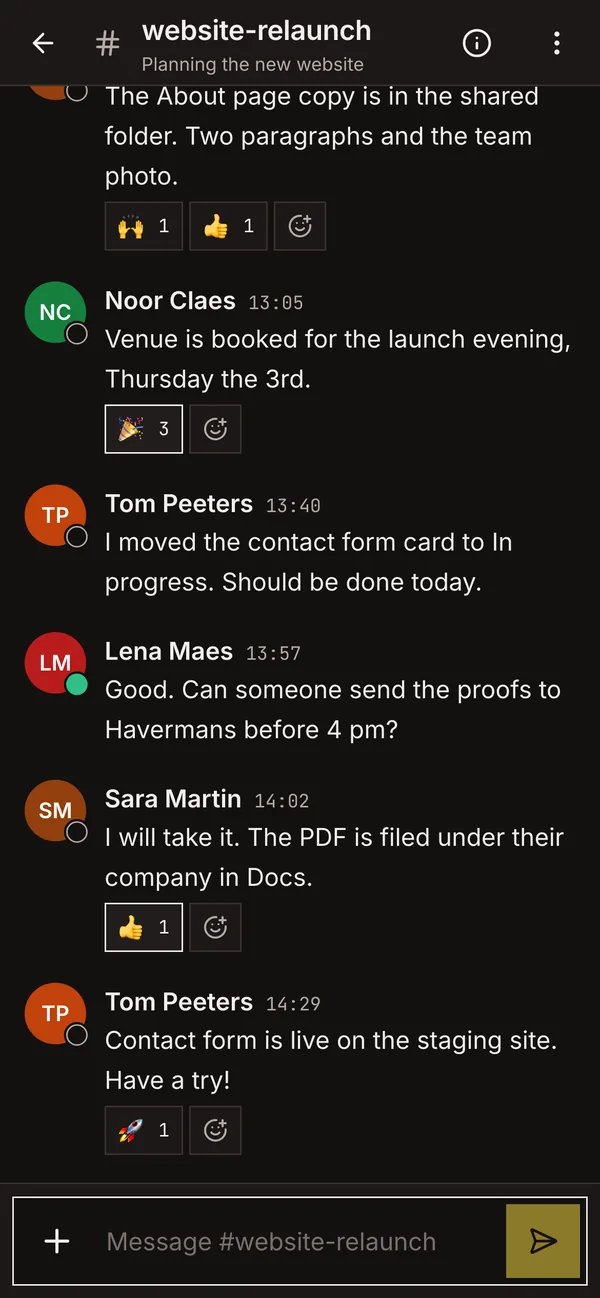
Discuss projects, clients and day-to-day questions in channels or direct messages. Keep chat accessible while you work on invoices, tasks and other records.
- Public and private channels, replies, forwarding and reactions.
- Share up to 10 files in a message, with image and PDF previews.
- See availability and typing indicators.
- Receive notifications based on the device you are using.
How it works
Create channels and direct conversations
Bring colleagues together around a team or topic. Use public channels when appropriate, restrict conversations to invited members with private channels, or send a direct message to one colleague.
Reply, share and react
Keep discussions moving with replies, reactions and message forwarding. Edit or delete your own messages when needed, and see when a colleague is typing.
Share files in context
Add attachments from your device or drag them into a conversation. Preview images and PDF documents without leaving the discussion.
Stay connected across the workspace
On desktop, open chat from the panel available throughout the application. Reply to a message without closing the invoice or task you were working on.
Receive fewer duplicate notifications
Get notifications on your computer and your phone. While you are reading a conversation on one device, your other devices stay quiet for it.
Control message retention
Delete messages or clear conversations using the available controls. You can also choose an automatic expiry period for a conversation and review what the setting will remove.
When you have permission to use Tray AI, Tray Bot appears in your direct-message list.
See it in action
Explore more features
Ready to send your next invoice?
Create your account, add your business details and prepare your first invoice.
No credit card required to get started.