
Teamwork · Tasks and boards
Organise tasks and see what's moving forward.
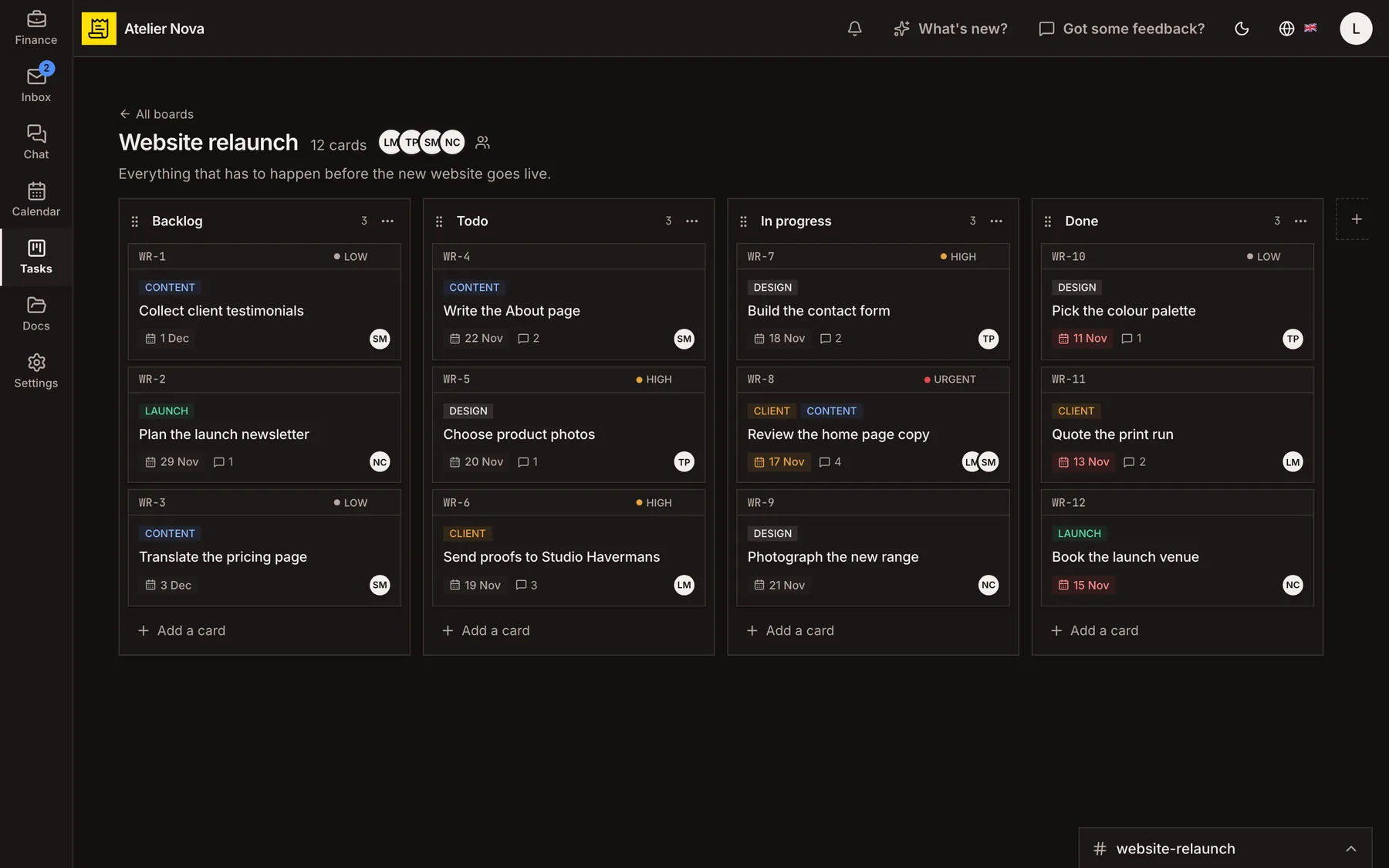
Keep work visible on shared boards. Assign tasks, set priorities and deadlines, and turn customer emails into cards when a conversation needs action.
- Include descriptions, attachments, comments, priorities, labels and due dates.
- Create private boards or set access by role.
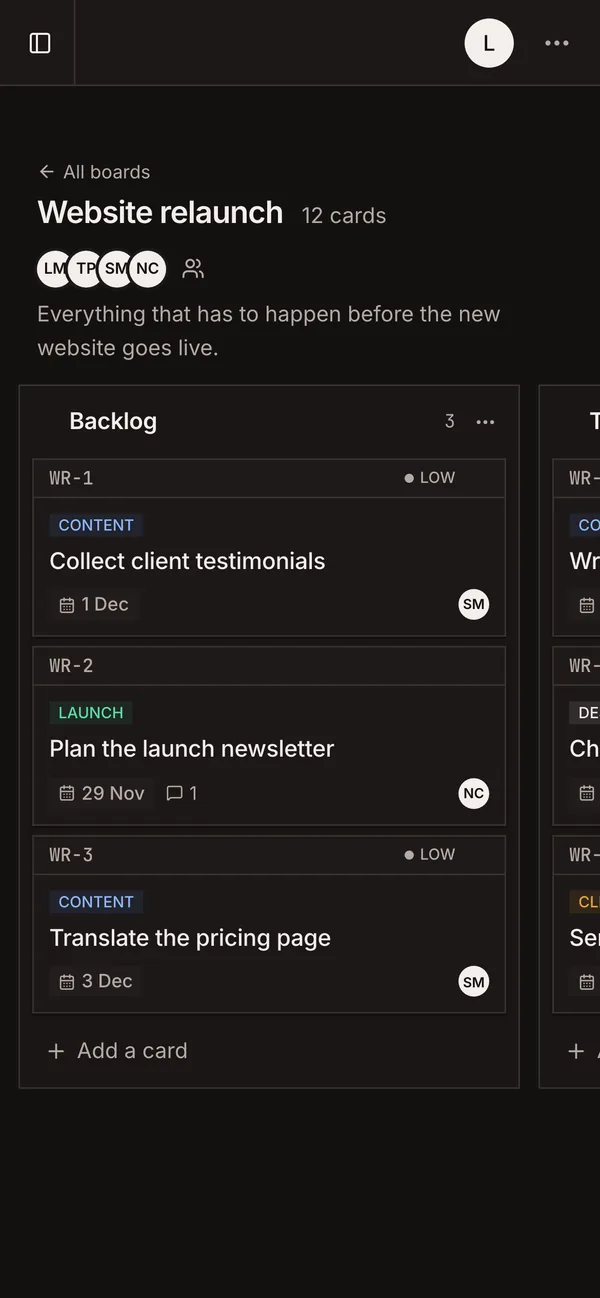
- Swipe between board columns on mobile.
- Give board-only users direct access to their tasks.
How it works
Set up a board that fits your team
Create a board and start with practical columns such as Backlog, To do, In progress and Done. Rename or rearrange columns to match your workflow, then add task cards as work comes in.
Keep everything about a task together
Give each card a description, priority, due date, labels, attachments and assigned teammates. Use comments to keep decisions close to the work.
Move work through each stage
Move cards between columns as they progress. See key information, including assignees and due dates, without having to open every task.
Choose the right access level
Set a board's visibility and give each member the permissions appropriate to their role. Use private boards where work should remain restricted, and share a direct link to a card when needed.
Create tasks from emails
Turn an email into a board card, choose its column and keep a link to the original message. The conversation and the task then remain connected.
See it in action
Explore more features
Ready to send your next invoice?
Create your account, add your business details and prepare your first invoice.
No credit card required to get started.