
Feature · Expenses
Track business expenses and keep the receipts.
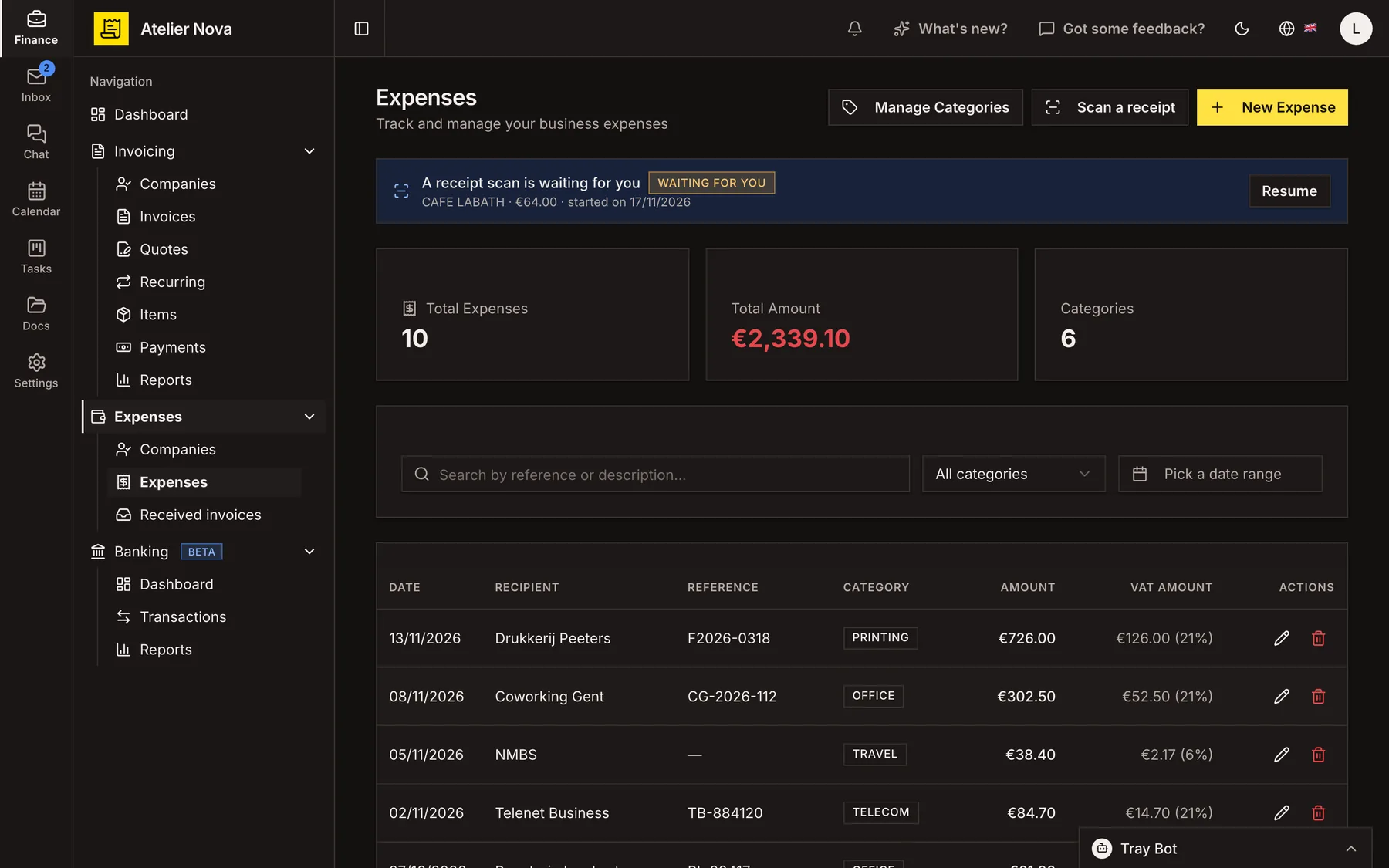
Record your business spending in one place, whether you enter it yourself, create it from a bank transaction or receive a supplier invoice through Peppol. You can use expense management independently of invoicing.
- Receive supplier invoices through Peppol, including available PDFs.
- Create an expense from a supplier invoice and identify the supplier.
- Organise spending with your own categories and supplier references.
- Keep bank transactions linked to the expenses created from them.
How it works
Add expenses in the way that suits you
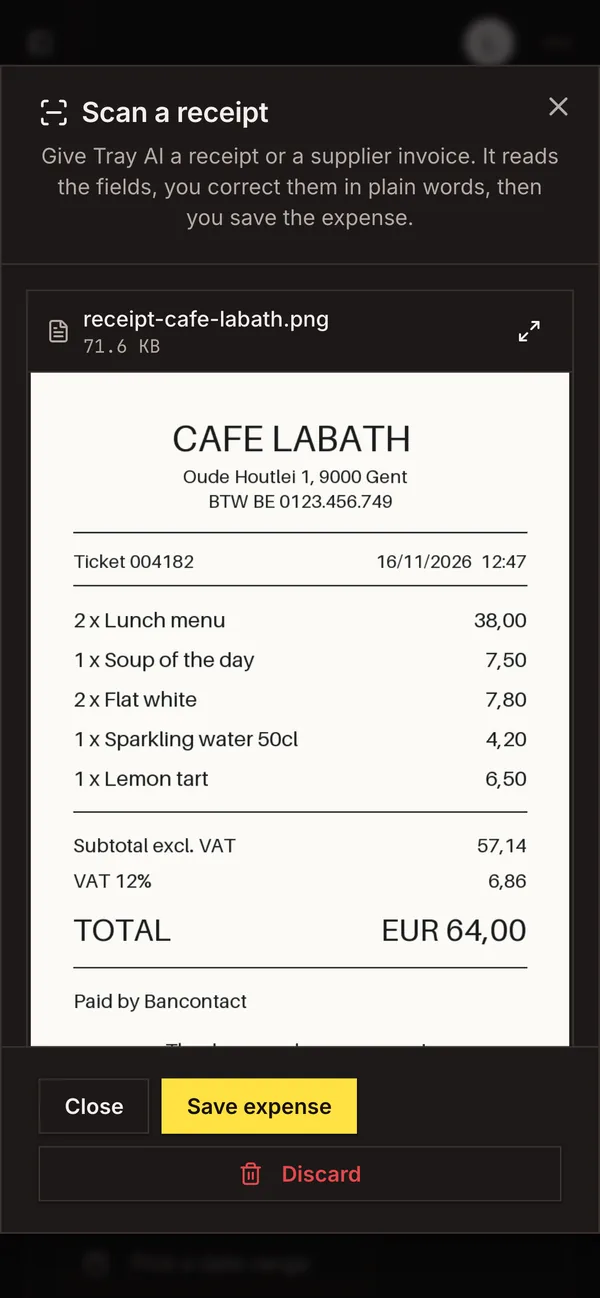
Enter an amount, date, supplier, category and VAT details yourself, or start from an outgoing bank transaction or a supplier document received through Peppol. Scanning a receipt with Tray AI is another way in.
Receive supplier documents through Peppol
Supplier invoices and credit notes received through Peppol appear in the received-documents area, along with their amounts, details and available PDF.
Turn supplier invoices into expenses
Create an expense from a received document. Key values are brought across, the supplier is matched or added, and the PDF is stored with the expense in Documents.
Respond to received documents
Choose whether to accept or reject a received supplier document. Your response is sent through Peppol only when you take that action.
Organise categories and receipts
Create categories that reflect how your business spends money. Keep each receipt or other supporting document attached to its expense so you can find it again easily.
See it in action
Explore more features
Ready to send your next invoice?
Create your account, add your business details and prepare your first invoice.
No credit card required to get started.