
Teamwork · Calendar
Plan meetings and keep responses organised.
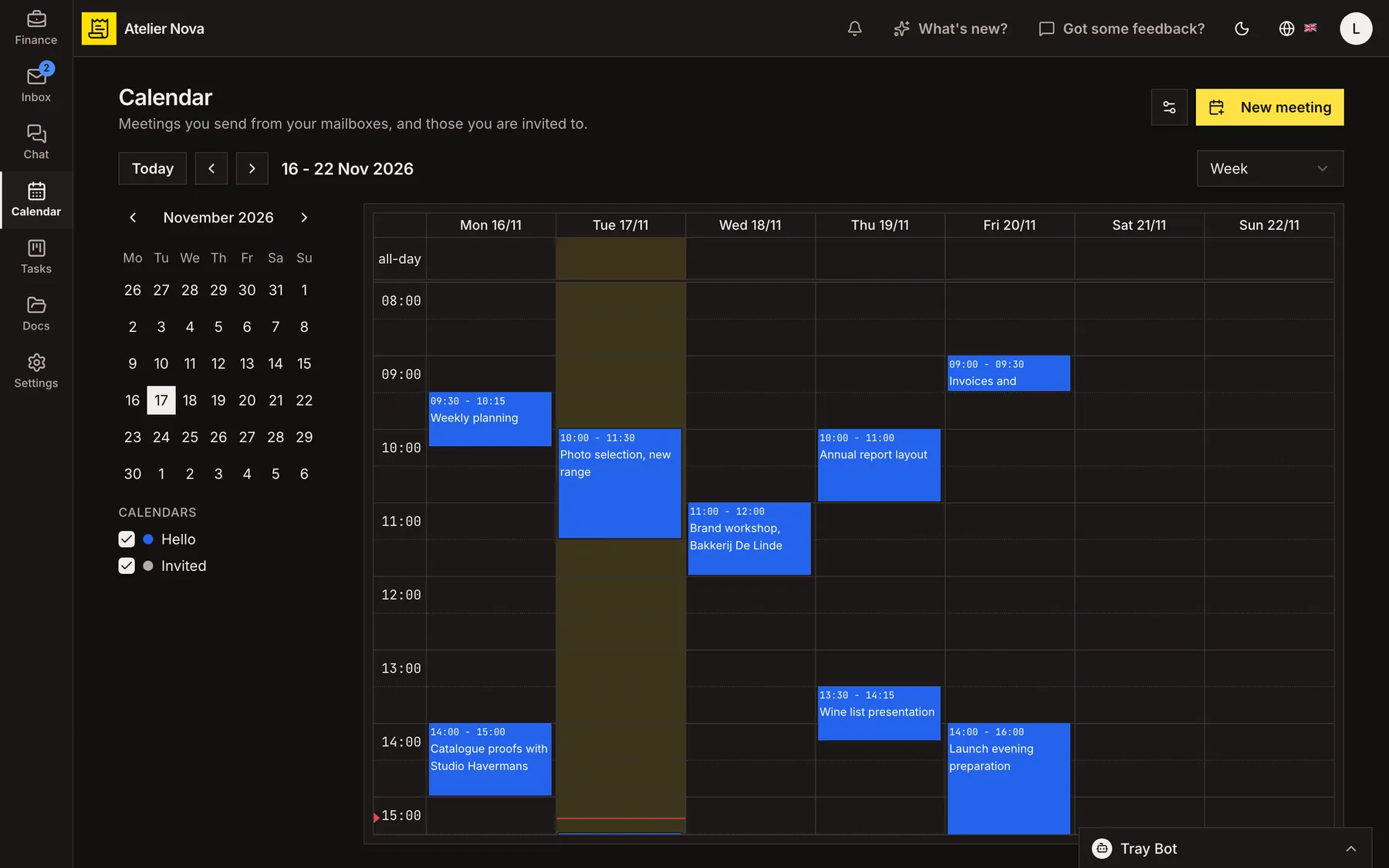
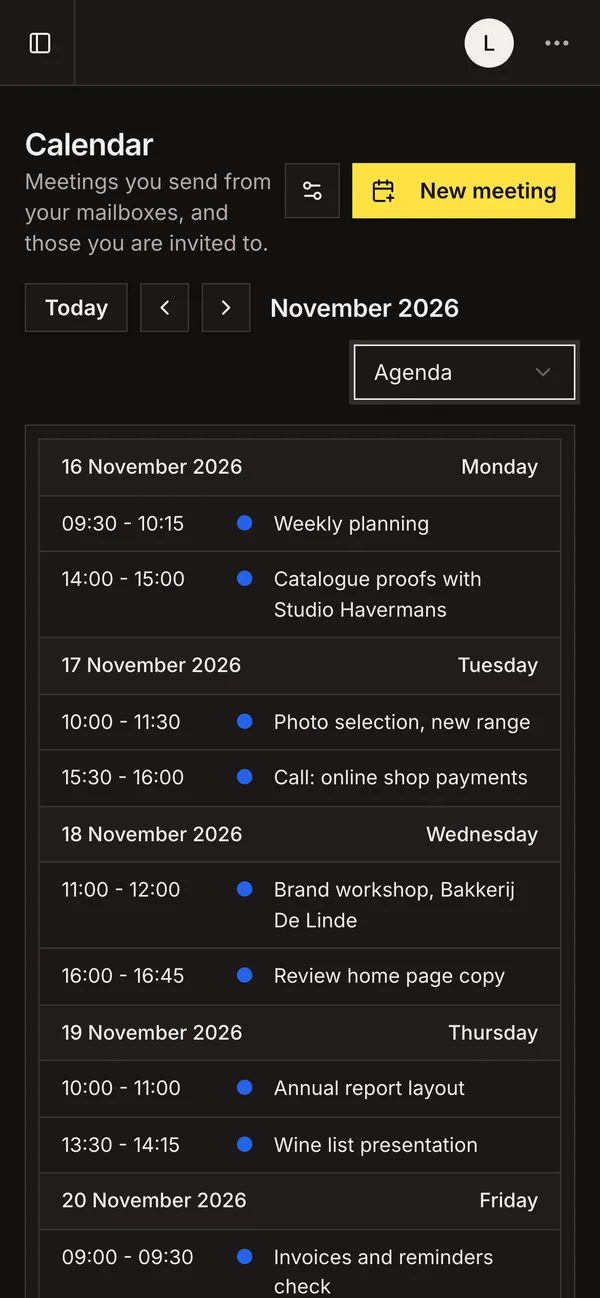
Schedule meetings from the same workspace as your email. Invitations leave from a connected mailbox, and your guests can reply with the calendar or email tools they already use.
- Day, week, month and agenda views, with recurring meetings.
- Create a meeting from an email conversation.
- Guests can reply through a link without an account.
- Subscribe to your schedule in Google, Outlook or Apple Calendar in read-only mode.
How it works
Create a meeting in a few steps
Add a title, participants, start and end times, and choose the connected mailbox that will send the invite. Include a location, meeting link, description or reminder when needed. You can also create meetings from an open time slot in the calendar.
Track guest responses
See who has accepted, declined or answered maybe. Replies received through your mailbox are reflected in the meeting, and you can record a response given to you outside the system.
Make responding simple for guests
Invitations include response links for guests who do not use a calendar app. They can answer without creating an Invoice Tray account, with the meeting shown in their time zone.
Schedule recurring meetings
Choose a daily, weekly, monthly, yearly or custom schedule. Set an end condition and update one occurrence or an entire series when plans change.
Connect meetings to customer conversations
Start a meeting from a customer email and reuse its participants. Find upcoming meetings alongside related client conversations when the records are linked.
View meetings in your usual calendar
Subscribe to a private calendar feed using Google Calendar, Outlook or Apple Calendar. This is a read-only view, not two-way editing or synchronisation. Reset the subscription link if you need to revoke access.
Calendar is included with the shared inbox and sends invitations from a connected mailbox.
See it in action
Explore more features
Ready to send your next invoice?
Create your account, add your business details and prepare your first invoice.
No credit card required to get started.