
Feature · Quotes
Send clear quotes and get approval online.
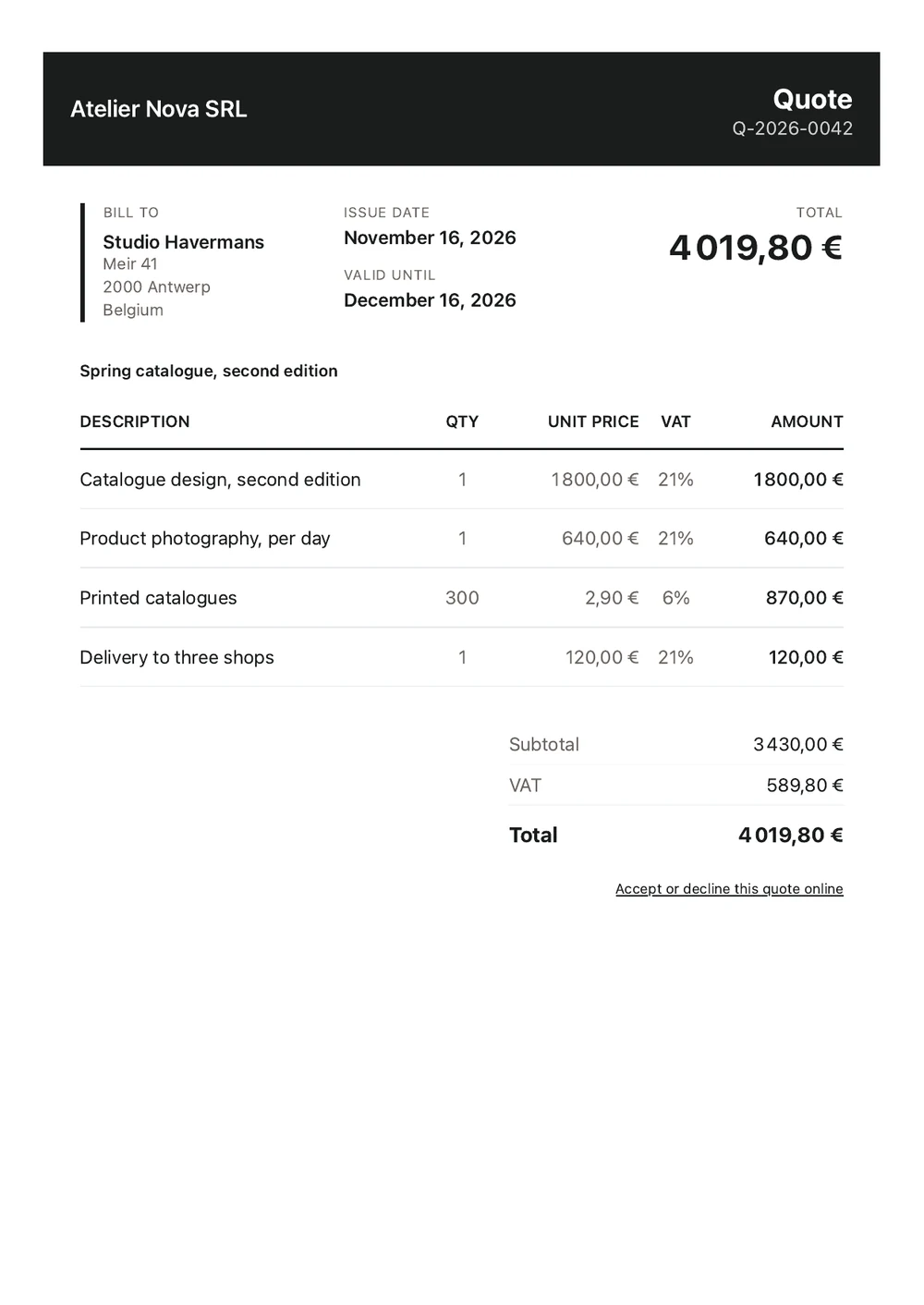
Present your services, prices and conditions before work begins. Your customer can review the quote and accept or decline it on a dedicated page, without registering for an account.
- Send a PDF with a link to view and respond to the quote.
- See when a quote was opened and receive a notification when a client replies.
- Turn an accepted quote into a draft invoice in one click.
- Use your own numbering and branding.
How it works
Prepare a quote using your branding
Choose the business and customer, add a title, then enter your services, prices and VAT rates. The quote uses your business's document design, and its validity date follows your settings.
Let customers respond without signing up
Your customer opens a secure quote page to view the offer, download the PDF, accept or decline. Acceptance includes their name and confirmation of any applicable terms. They may also leave a comment when declining.
See the status of every quote
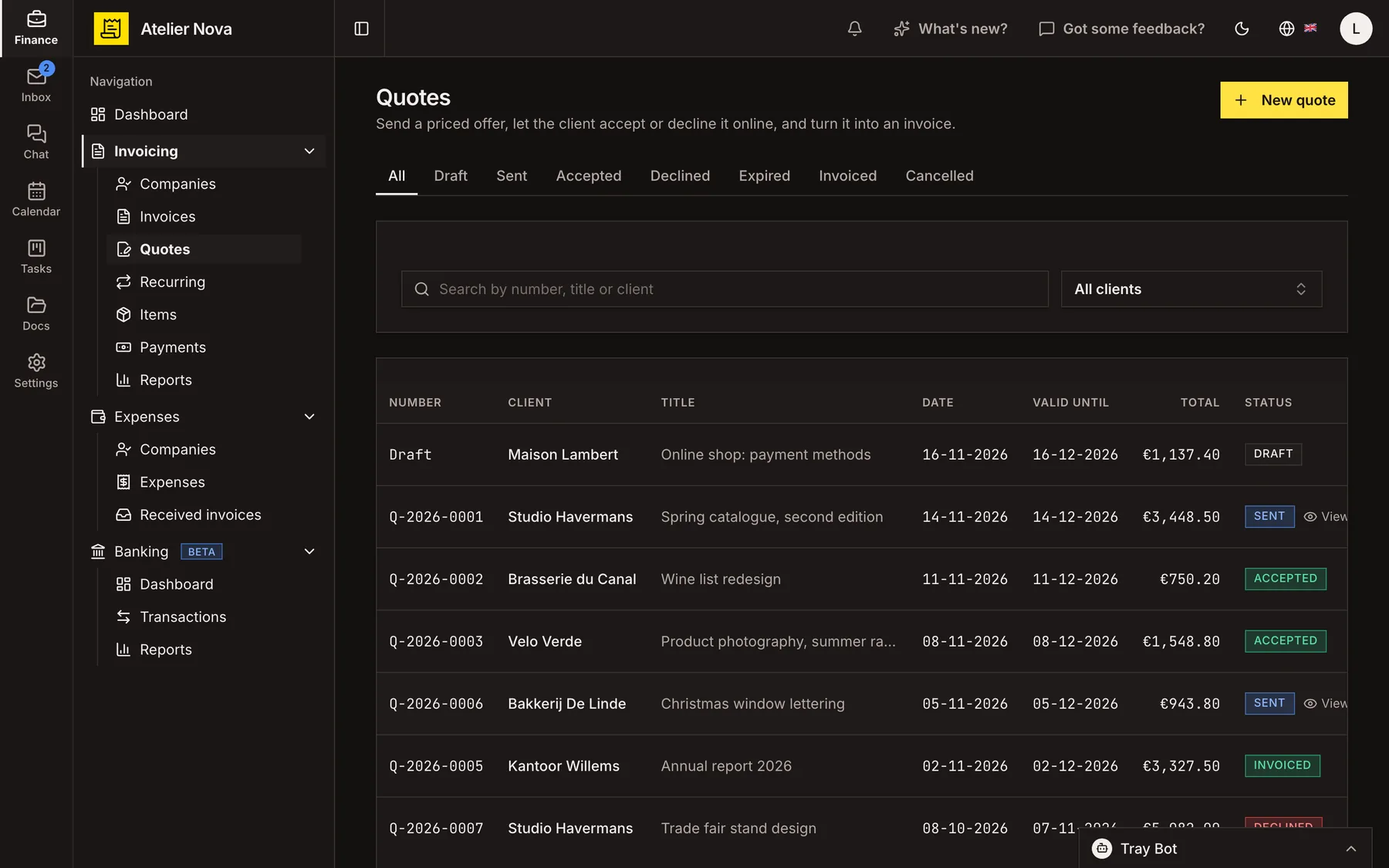
Track drafts, sent quotes, accepted or declined offers, expired quotes, converted invoices and cancellations. You can also see when a quote has been viewed. Notifications and a history record keep each response accessible.
Create an invoice from an accepted quote
Convert an accepted quote into a draft invoice in one step. Items, VAT rates, discounts, charges, language and notes carry over for you to check before sending.
Revise a quote or record a response
Return a sent quote to draft status if you need to make changes, then send the updated version. You can also record an acceptance or rejection given by phone, with an optional note.
Once a quote reaches its expiry date, the client can no longer accept it through the quote page.
See it in action
Explore more features
Ready to send your next invoice?
Create your account, add your business details and prepare your first invoice.
No credit card required to get started.